Plex vs Jellyfin: Which Media Server Should You Run?
12 min read
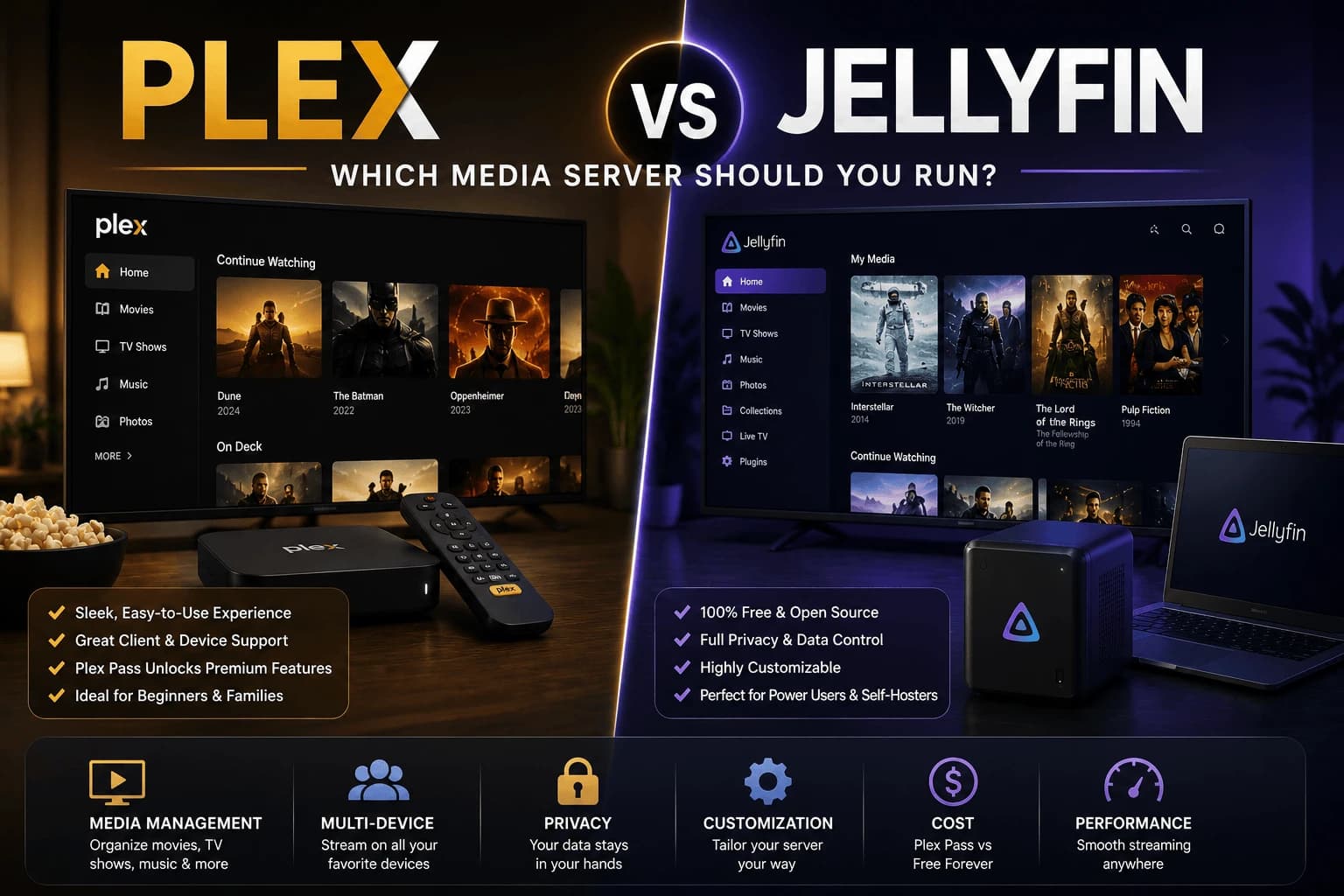
Both Plex and Jellyfin turn a folder of media files into a Netflix-style browsing experience across your devices. The difference isn't really about features on paper. It's about how much you're willing to trade convenience for control.
The core philosophy difference
Plex is a company-run service: your media server talks to Plex's cloud infrastructure to handle remote access, account management, and app distribution. Jellyfin is a fully open-source, community-run project with no central company. Your server handles everything itself, with no dependency on an external company staying in business or changing its pricing model.
Remote access
This is where Plex still has a real edge for most people. Plex handles the networking complexity of remote streaming (relay servers, automatic port configuration attempts) largely behind the scenes. Jellyfin can absolutely be accessed remotely, but it more often requires manually configuring port forwarding or a reverse proxy yourself, solvable, but a meaningfully higher technical bar for anyone who isn't already comfortable with home networking.
Cost
Jellyfin is free, full stop, with all features available to everyone. Plex is free for local, single-network use, but several conveniences, including easier remote access and some client features, sit behind a Plex Pass subscription (available as a monthly, yearly, or one-time lifetime purchase). Over a few years, that adds up to a real cost difference if you want the full Plex experience.
Transcoding: the part that breaks first when you get it wrong
Transcoding is your GPU converting video formats on the fly so whatever device is watching can actually play the file — get it wrong and you're staring at a spinning buffer icon instead of your movie. Plex largely automates the setup, detecting your hardware and configuring itself with minimal input. Jellyfin can do the same job just as well once it's configured, but "once it's configured" is doing a lot of work in that sentence. Expect more manual digging through settings before it runs as smoothly as Plex does out of the box.
Client apps and device support
Plex has official apps across nearly every platform. Smart TVs, streaming boxes, game consoles, mobile — with a consistently polished interface. Jellyfin's official apps cover the major platforms too, and there's an active ecosystem of community-built clients, but the overall polish and consistency across devices still generally trails Plex.
The privacy question Plex users tend to not ask
Here's the uncomfortable part: even when you're playing a file that never leaves your own network, some Plex configurations still route metadata through Plex's own servers to make the experience work. Jellyfin has no central company to route anything through in the first place — nothing about what you're watching, or that you're watching anything at all, leaves your own hardware. If that distinction matters to you, it's the single strongest argument in Jellyfin's favor on this entire list.
Picking between them
Plex makes sense if the smoothest possible setup and the most polished apps across the widest range of devices matter more to you than the cost or the data flowing through a third party. Jellyfin makes sense if full control and zero ongoing cost matter more than convenience. You'll trade some setup effort, particularly around remote access, for keeping everything entirely on your own infrastructure.
Transcoding in more detail
Transcoding deserves more attention than it usually gets, because it's the single biggest determinant of whether your setup feels fast or frustrating.
When transcoding happens at all
The best transcode is the one that never runs. If the playing device can handle the file's codec, resolution and container natively, the server simply sends the file as-is, direct play, minimal server load, works on almost any hardware. Transcoding kicks in when something doesn't match: an unsupported codec, a resolution beyond what the client handles, or a bandwidth cap forcing a lower quality.
Subtitles are the trap here. Image-based subtitle formats often can't be passed through and have to be burned into the video, which forces a full transcode of a file that would otherwise have direct-played. Switching to a text-based subtitle track frequently eliminates a transcode people assumed was unavoidable.
Hardware acceleration
Both support GPU-accelerated transcoding, and both benefit enormously from it: the difference between one stream and several on the same hardware. Plex gates hardware transcoding behind Plex Pass; Jellyfin includes it free. That's the clearest feature-for-money gap between the two.
Setup effort differs sharply. Plex detects supported hardware and needs little more than a checkbox. Jellyfin requires selecting the right acceleration method and confirming the codecs you want, and getting it wrong usually means it silently falls back to CPU transcoding, which works, but poorly.
Apple TV, and why it comes up so often
Apple TV is where the two diverge most for ordinary users. Plex's Apple TV app is mature and behaves like any other tvOS app. Jellyfin's official Apple TV client has historically lagged its Android TV and web clients, and several users run third-party clients such as Infuse or Swiftfin against a Jellyfin server instead, which works well, but means relying on an app outside the project itself.
If Apple TV is your main playback device, this is a genuine point in Plex's favour and worth weighing more heavily than the feature comparison suggests.
Can you run both on the same server?
Yes, and it's a common way to migrate without committing. Both read from the same media folders without interfering. They maintain separate databases and neither modifies your files. The practical considerations:
- Ports must differ. Both want their own web port; one will need reassigning.
- Two libraries scan the same files. Harmless, but doubles the metadata work on initial import.
- Simultaneous transcodes compete. Two servers transcoding at once on one GPU will contend for it, so avoid heavy playback on both at the same time.
Running both for a few weeks is the most reliable way to find out which suits you, since the differences that matter tend to be the ones you hit in daily use rather than the ones on a feature list.
Jellyfin's real drawbacks
Being honest about the tradeoffs, since "free and open source" gets stated more often than what it costs you:
- Remote access is genuinely harder. Port forwarding or a reverse proxy, plus your own certificate handling. Plex does this for you.
- No equivalent to Plex's relay fallback. If your network setup blocks direct connections, Plex can route through its own infrastructure. Jellyfin has no such backstop.
- Client quality varies by platform. Web and Android TV are strong; others less consistent.
- Support is community-based. Fine if you're comfortable reading forums, less so if you want someone to fix it for you.
None of these are dealbreakers for a technically comfortable user. All of them are real if you'd rather the thing simply worked.
Related reading
- Nvidia Shield TV Pro: the usual recommendation for a Plex or Jellyfin client
- wired networking guide: matters more for local media than for streaming services
- Best media players: hardware to play your library on
Frequently Asked Questions
Is Jellyfin really free, unlike Plex?
Yes. Jellyfin is fully open-source and free with no paid tier. Plex is free for local use but gates remote access convenience and some features behind a paid Plex Pass subscription.
Does Jellyfin support hardware transcoding like Plex?
Yes, Jellyfin supports hardware-accelerated transcoding on compatible hardware, though historically it required more manual configuration than Plex's more automated setup.
Which has better client apps, Plex or Jellyfin?
Plex's client apps are generally more polished and available on more platforms out of the box. Jellyfin's official and third-party clients have improved significantly but still trail Plex in overall consistency across devices.
Can I switch from Plex to Jellyfin without losing my library?
Your media files themselves aren't locked in — Jellyfin can scan the same folder structure. You will need to rebuild watch history, metadata matches, and user profiles, since these aren't directly transferable between the two platforms.
Can you run Plex and Jellyfin on the same server?
Yes. Both can read the same media folders without interfering, since each keeps its own database and neither modifies your files. You will need to assign them different web ports, and avoid heavy playback on both simultaneously because concurrent transcodes compete for the same GPU.
Which is better on Apple TV, Plex or Jellyfin?
Plex, fairly clearly. Its Apple TV app is mature and well maintained, while Jellyfin's official tvOS client has lagged its web and Android TV clients. Many Jellyfin users run a third-party client such as Infuse or Swiftfin on Apple TV instead, which works well but means depending on an app outside the project.
Why does my media transcode when it should direct play?
The most common cause is subtitles. Image-based subtitle formats often cannot be passed through and must be burned into the video, forcing a full transcode of a file that would otherwise have played directly. Switching to a text-based subtitle track usually resolves it. Otherwise it is a codec, resolution or bandwidth limit on the client.
What are the downsides of Jellyfin?
Remote access requires setting up port forwarding or a reverse proxy yourself, with no equivalent to Plex's relay fallback if your network blocks direct connections. Client app quality varies by platform, and support is community-based rather than provided by a company.


