TiVo Stream 4K Review: A DVR Brand's Streaming Pivot
9 min read
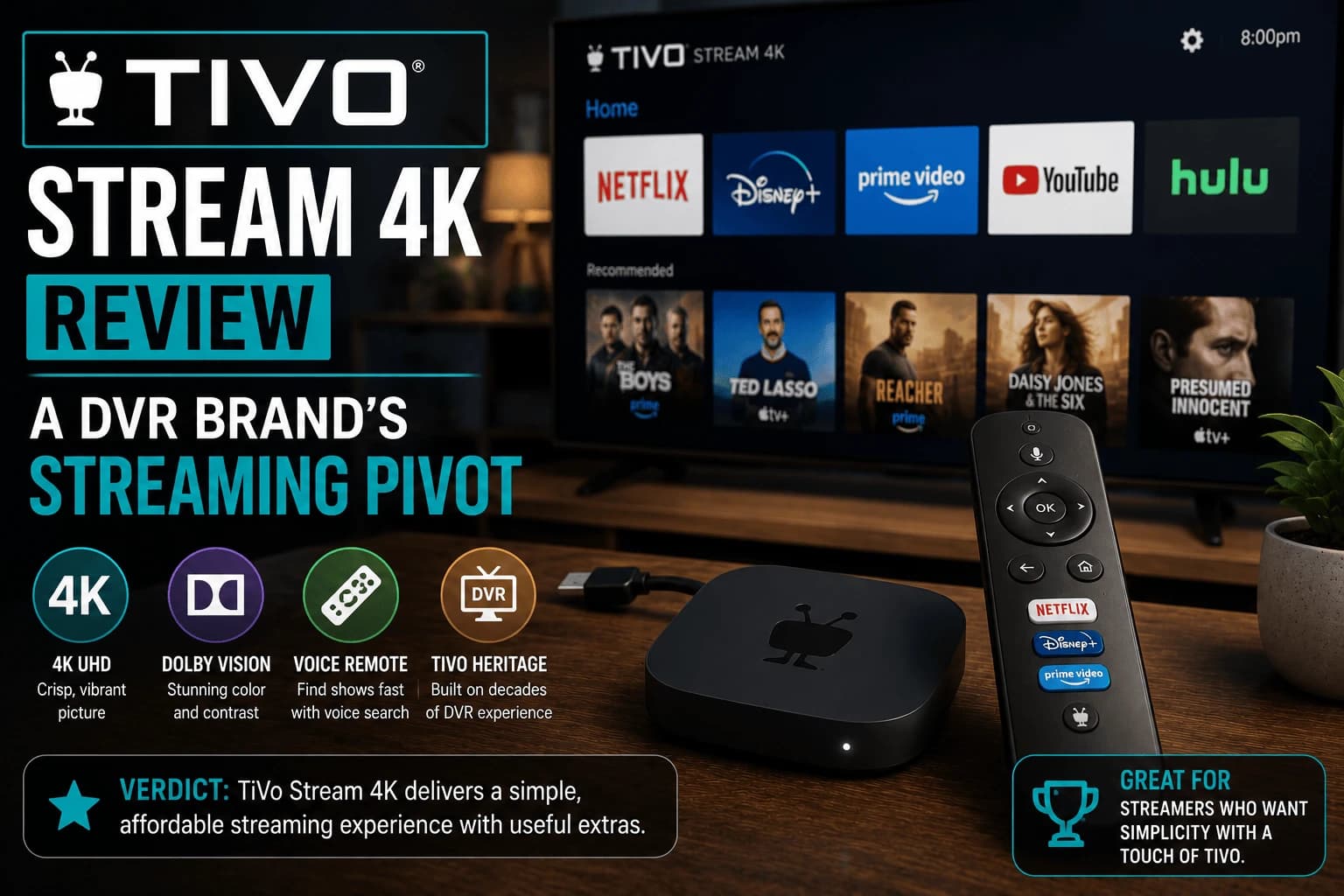
Pros
- Built on Android TV, so it inherits a large, mature app catalog rather than a proprietary walled garden
- Live TV guide integration clearly draws on TiVo's DVR heritage — better organized than most competitors' guide screens
- Competitively priced against Fire TV Stick and Chromecast at the same tier
- Google Assistant voice remote works reliably for search and basic commands
Cons
- The TiVo brand carries little of its old DVR-era weight here — this is essentially an Android TV device with a TiVo-branded shell
- Software updates have historically been slower and less frequent than Google's own Chromecast line
- Remote build quality feels a notch below Fire TV Stick and Roku at the same price
- Smaller community and troubleshooting resources online compared to the bigger three platforms
Here's a question worth asking before you buy anything with "TiVo" printed on the box: does that name still mean what it used to? For two decades it was shorthand for the DVR sitting under your cable box, the thing that let you pause live TV and skip commercials. That entire category has been quietly dying since cord-cutting took hold, and TiVo Stream 4K is the company's attempt to stay relevant in a market it didn't build.
What you're actually buying under that familiar name
Strip away the branding and this is an Android TV streaming stick, full stop: the same underlying platform Google's own Chromecast runs on, not some proprietary TiVo software. That's a smarter move than it sounds: instead of TiVo trying to convince every streaming service to build a dedicated app for a shrinking device category, it inherits the entire Google Play Store catalog automatically. The tradeoff is that very little about the day-to-day experience is uniquely "TiVo."
The one feature where the DVR history actually pays off
Dig into the live TV guide and the heritage becomes obvious. Free ad-supported channels are laid out in a clean, easy-to-scan grid, better organized than what most competing platforms manage. This is clearly built by people who spent years designing program guides for a living, not a generic Android TV skin with a legacy logo slapped on top.
Everywhere else, you're on your own
Software updates have historically arrived here later than they do on Google's own Chromecast, so new Android TV features can take a while to trickle down. The bundled remote also feels a notch cheaper than what Fire TV Stick or Roku ship at the same price. It works, but nothing about it feels considered. And because this occupies a much smaller niche than the big three platforms, don't expect to find a quick forum answer if something breaks; you'll likely be troubleshooting it yourself.
Buy it or skip it
If it's sitting next to a similarly priced Chromecast with Google TV on a store shelf, this isn't a bad pick. You get the same core experience with a slightly better live-guide layout thrown in. Going out of your way to track this down over the more established names is a harder sell, given the slower updates and thinner support community you're trading for that one guide-screen advantage.
What running Android TV means here
The platform underneath decides most of what this device can do, and it's standard Android TV rather than something proprietary.
That means full Play Store access, so app availability matches other Android TV hardware, and VPN apps run natively: an advantage over Roku, which needs router-level setup instead.
The custom interface layered on top is the differentiator, and it aggregates across services rather than promoting one catalogue. Whether that helps depends on whether you watch across many services or open the same two apps nightly.
Where budget hardware shows
Straightforwardly, what you're accepting at this price:
- Storage fills quickly. Streaming apps have grown and budget devices weren't generous. Expect to manage what's installed.
- Menu responsiveness trails premium hardware: noticeable navigating, not during playback.
- Wi-Fi only. No Ethernet port, so a wired connection means an adapter.
None of this affects picture quality. Budget and premium devices display the same stream identically; the difference is how the device feels, not how content looks.
Who it suits
Budget hardware genuinely fits some situations better than expensive hardware:
- A second or guest TV, where premium prices make little sense
- Reviving a smart TV whose built-in apps have aged: often the cheapest fix, per our guide to Stick vs built-in apps
- Wanting Android TV cheaply, particularly for native VPN support
What it doesn't suit is heavy local file playback or acting as a media server client, where hardware capability matters — our Plex or Jellyfin covers what that demands.
Frequently Asked Questions
Is TiVo Stream 4K the same as a TiVo DVR box?
No. It's a streaming stick built on Android TV, unrelated to TiVo's traditional DVR hardware for recording live cable TV. The name carries over, but the product is a different category of device.
Does TiVo Stream 4K run Android TV apps?
Yes, since it's built on the Android TV platform, it has access to the full Google Play Store app catalog, same as Chromecast with Google TV and other Android TV devices.
Is TiVo Stream 4K worth buying over Chromecast with Google TV?
Both run Android TV and offer a similar core experience. TiVo's guide integration is a modest differentiator; otherwise the choice mostly comes down to price and remote preference at the time of purchase.
Does TiVo Stream 4K require a TiVo subscription?
No ongoing TiVo-specific subscription is required to use the device for streaming apps — you only pay for whichever streaming services you individually subscribe to.
Does the TiVo Stream 4K run normal Android TV apps?
Yes. It runs standard Android TV with full Play Store access, so app availability matches other Android TV hardware. VPN apps also run natively, which Roku does not support at any price.
Does it have an Ethernet port?
No, it is Wi-Fi only, so a wired connection requires a separate adapter. If a stable wired connection is a priority, a device with Ethernet built in is usually the better purchase.
Is a budget streaming device worth it for a second TV?
That is where budget hardware makes the most sense. Picture quality is identical to premium devices for the same stream, and the compromises — less storage, slower menus — matter less on a TV you use occasionally.
Can it handle local media files or act as a Plex client?
Light use, yes. Heavy local file playback and media server duties are where hardware capability genuinely matters, and budget devices are inconsistent with demanding formats or high-bitrate files.


